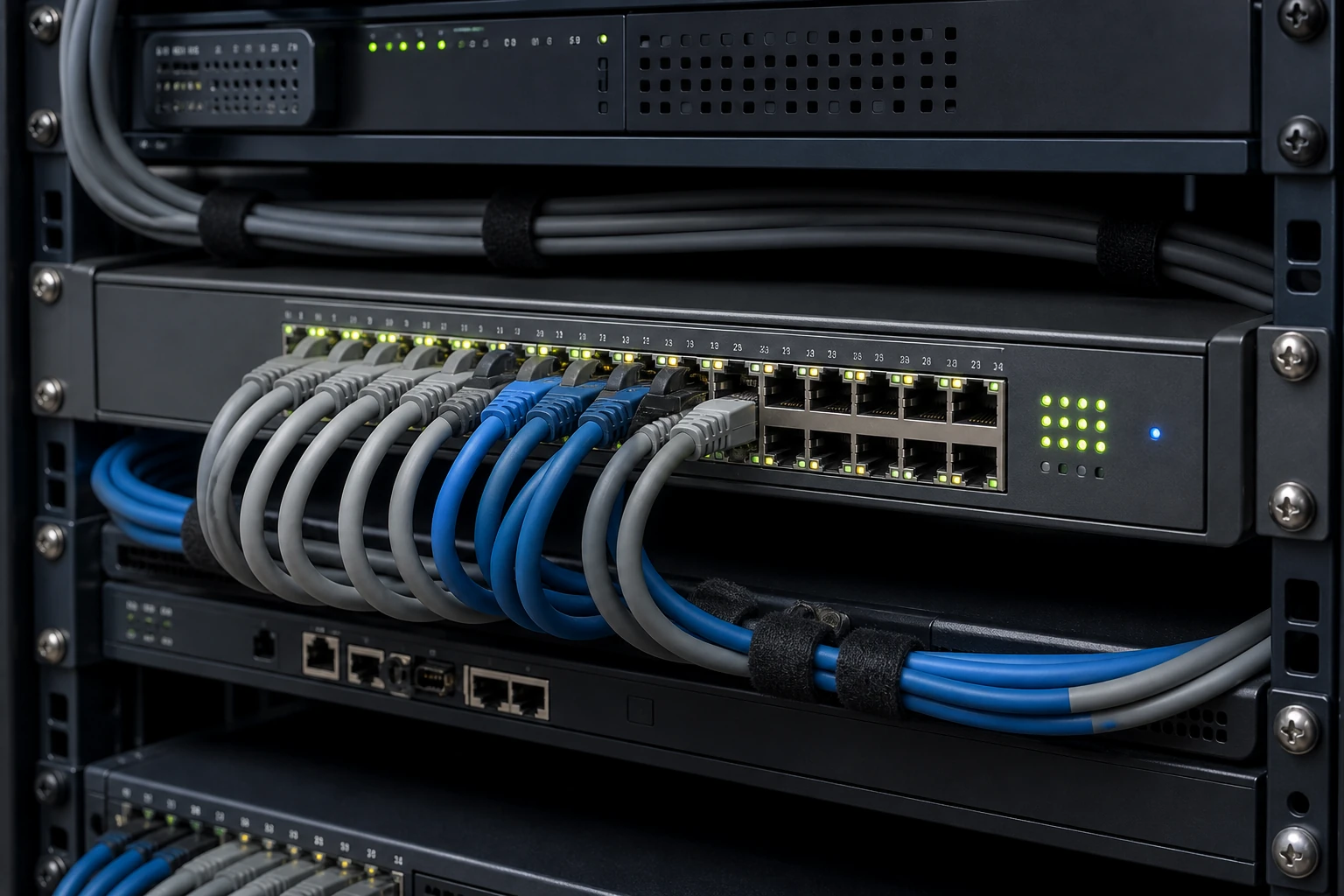
What is the practical answer?
A practical PoE security camera setup covering VLANs, switch budgets and cable runs that stay stable after handover. Use the checklist and site tests below before treating any specification or buying recommendation as proven.
How does a PoE camera system connect?
The camera receives power and network data through one solid-copper Ethernet run. Put cameras on a dedicated VLAN where possible; permit only the flows required by the recorder, management station, DNS, NTP and controlled remote access.
Home Tech DIY: How to Wire & Power IP Security Cameras
This independent walkthrough demonstrates NVR PoE ports, managed and unmanaged switches, injectors and splitters. It is an older video, so use it for topology—not current product recommendations.
Visit Home Tech DIY on YouTube ↗A dependable PoE camera network is a small engineered system: the switch must supply worst-case power, the cabling must carry it without excessive loss, and the security policy must stop cameras becoming an uncontrolled path into the rest of the site.
How much PoE power does the system really need?
Start with the maximum power figure for every endpoint, not the attractive typical-consumption number. Infrared LEDs, white lights, heaters, wipers, speakers and pan-tilt motors can raise demand at exactly the time several cameras change state together. Put each maximum draw in a schedule, add the NVR uplink and any PoE-powered wireless bridge, then compare the sum with the switch's total PoE budget and the limit on each port. Reserve at least 20 percent for startup behaviour, cold weather and small additions. Port count is not power capacity: a sixteen-port switch with a 120 W budget cannot promise 15 W to all sixteen cameras. If the switch offers PoE telemetry, record normal day and night readings during commissioning so future technicians have a baseline rather than a guess.
Should security cameras use a separate VLAN?
Match the PoE standard at both ends. A camera marked IEEE 802.3af, 802.3at or 802.3bt negotiates with a compatible power-sourcing device; passive PoE equipment may apply a fixed voltage without that negotiation and can damage unsupported devices. Check the camera's class, maximum wattage and allowed voltage, then confirm what the exact switch hardware revision can deliver on one port and across the chassis. Long or poor cable increases resistance and voltage drop, so a marginal installation may boot in daylight and restart when infrared switches on. A midspan injector can solve one deliberate exception, but a cabinet full of undocumented injectors creates multiple power supplies, ambiguous ownership and a harder recovery path. Put every injector and non-standard pinout on the as-built drawing.
How do you build cable runs that stay reliable?
Use a dedicated camera VLAN where the network permits it, but understand that a VLAN is only a boundary until routing and firewall rules enforce it. Cameras normally need to reach the NVR or VMS, an approved time source and sometimes DNS; many do not need unrestricted access to the public internet. Management workstations may need HTTPS and vendor discovery to a defined subnet, while ordinary user devices need no route to camera web interfaces. Deny new flows by default, document each exception and log blocked traffic during commissioning. If a vendor cloud relay is required, identify its destination and business purpose rather than allowing every outbound connection. Segmentation limits lateral movement and makes an unexpected camera connection visible, but it does not replace patches, unique credentials or supported firmware.
Step 4
Choose an address plan that another technician can understand. Use DHCP reservations or a controlled static range, keep the gateway and mask consistent with the VLAN, and reserve addresses for the recorder, switches and management services. Record camera name, physical location, MAC address, switch and port, IP address, model, serial number and firmware in one handover schedule. Avoid names such as Camera 1 when East gate overview or Loading bay face view describes the actual job. Synchronize time through a known NTP path and verify it after an internet outage. Accurate time is required to correlate switch logs, access events and exported footage; a camera that drifts by several minutes can turn a simple investigation into an argument about which event happened first.
Step 5
Treat the Ethernet channel as an installed asset, not an accessory supplied with the camera. A standard copper channel is normally designed for a maximum of 100 metres including patch leads, but temperature, conductor size, bundle heating and termination quality affect PoE performance. Specify traceable solid-copper Cat5e or Cat6 cable; copper-clad aluminium has higher resistance and is a poor foundation for continuous remote power. Keep data cable away from sources of interference and follow local separation and fire-stopping rules. Use weatherproof junctions, downward cable entries and drip loops outdoors. The camera's short tail should not sit inside a connector full of condensation. Label both ends before termination, certify permanent links where the project warrants it and retain the result with the camera schedule.
Step 6
Do not run ordinary copper between electrically separate buildings simply because the distance is short. Differences in earth potential and nearby lightning can send damaging current through network equipment. Fibre provides electrical isolation and extends distance; local power and a small PoE switch at the remote building may be safer and easier to replace. Where outdoor copper is unavoidable, use equipment and surge protection designed for the exposure, bond it according to the applicable electrical rules and accept that a low-cost plug-in protector is not a complete lightning design. A wireless bridge can cross a yard without conductive cable, but it still needs clear path, secure mounting, local power, capacity testing and a plan for interference. Document which part of the link the CCTV maintainer actually owns.
Step 7
Size uplinks from measured traffic, not the number printed on a switch carton. Add the average and configured maximum bitrates of main streams, substreams, audio and bursts caused by scene complexity. Include playback from the NVR, live viewing and exports crossing the same uplink. Gigabit is usually comfortable for a small camera switch, but a large system, redundant recorder path or several high-rate 4K streams can expose oversubscription. Review port errors, drops and utilization while cameras show difficult moving scenes after dark. Avoid creating loops with two improvised uplinks; if redundancy is required, design spanning tree or link aggregation deliberately and prove failover. A recorder with private PoE ports may isolate camera traffic internally, so learn whether those ports can be monitored, routed or replaced before choosing the topology.
Step 8
Harden each layer before handover. Change default credentials, create named accounts with the minimum roles, disable unused protocols and remove abandoned vendor accounts. Prefer HTTPS and signed firmware from the manufacturer, but understand whether certificates are actually validated by the client. Back up camera, switch and recorder configurations after commissioning and store them separately from the equipment. Remote access should use a maintained VPN or a securely designed vendor service with multi-factor authentication where available; direct camera or NVR port forwarding turns maintenance debt into internet exposure. Agree who checks security advisories, who approves updates and how a failed update will be rolled back. A supported device with no maintenance owner will eventually behave like an unsupported one.
Step 9
Commission under the conditions most likely to break the design. Trigger infrared and white lights on every camera, move a person through each evidence zone, start multi-camera playback and export footage while watching PoE draw, link errors and recorder bandwidth. Disconnect the internet and confirm local recording continues; power-cycle the switch and confirm cameras return without address conflicts or lost time. Pull one uplink only if failover was promised. Save daytime and night reference images, switch configuration, power readings, cable results, address schedule and a tested export. The useful acceptance question is not whether all status icons are green for five minutes. It is whether a second technician can find a camera, explain its permitted network flows and prove that it records usable evidence after a realistic failure.
Record switch PoE draw twice: once in daylight and once with infrared, heaters or lights active. The difference is the quickest evidence that a comfortable daytime budget will—or will not—survive the night.
Before you sign off
- Calculate maximum—not average—PoE draw
- Reserve at least 20% power headroom
- Match the negotiated PoE standard
- Put cameras on an enforced dedicated VLAN
- Document IP, switch port, model and firmware
- Use fibre between electrically separate buildings
- Certify and label every cable run
- Test night load, internet loss and recovery
Can another person prove the system still works?
Record the final view, night image, bitrate, alerts, firmware and access method. A system is not finished until the owner can verify recording and export without the installer standing beside it.
Every site is different. Confirm manufacturer instructions, electrical requirements, privacy obligations and local regulations before installation.
Sources used for this guide
Primary standards and manufacturer documentation are linked so you can verify thresholds, features and current product behaviour.
Frequently asked questions
Should PoE security cameras be on a separate VLAN?
Yes, where the network supports it. Segmentation limits exposure and makes camera traffic and access rules easier to control.
How much spare PoE power should a security camera switch have?
A practical target is at least 20 percent headroom above maximum planned device draw, with extra allowance for heaters, infrared LEDs and future cameras.