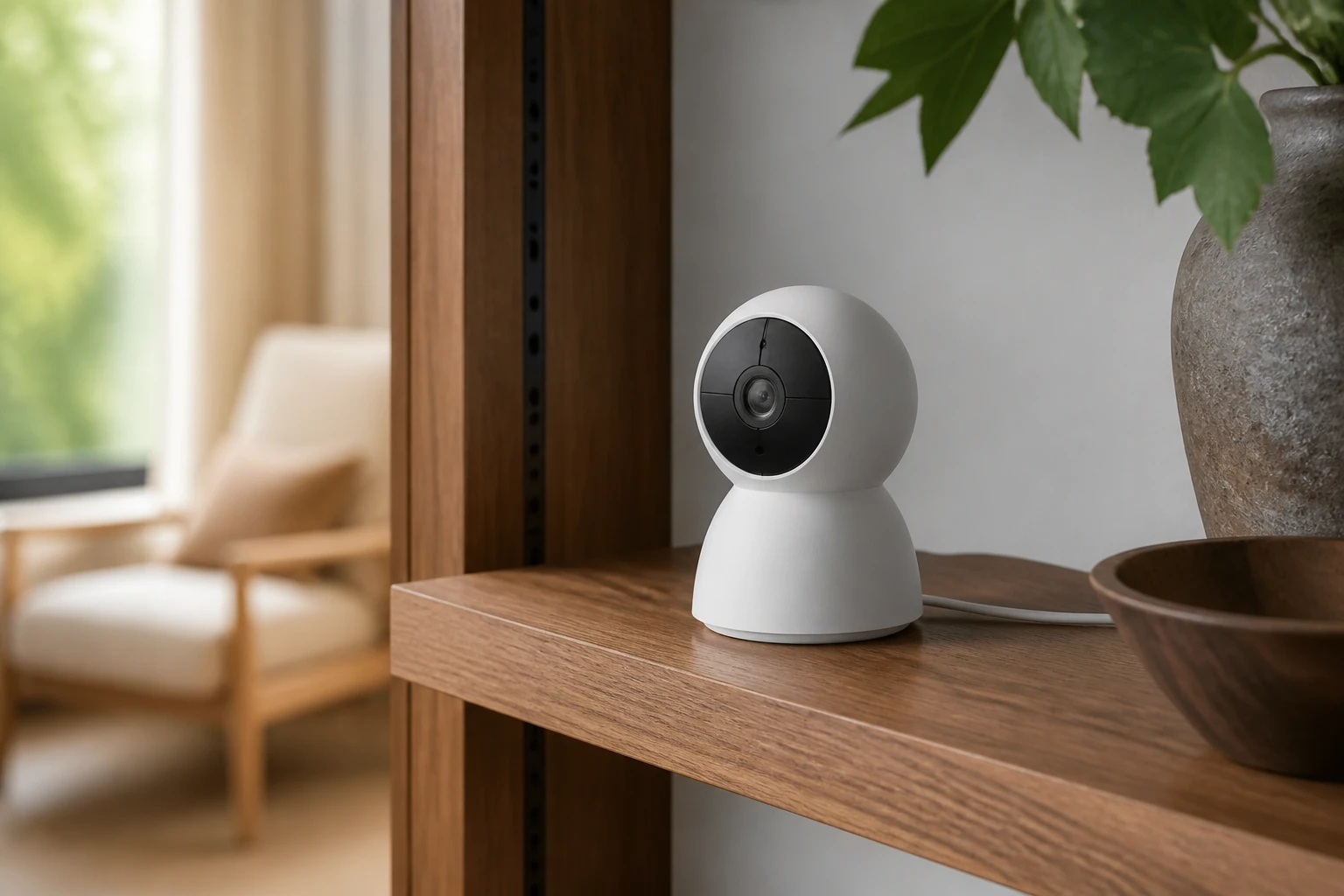
Should you shortlist it?
A feature-rich small camera for low-risk views where power and strong Wi-Fi are already available. It is strongest for porches, pet areas, entry halls and detached interior views; verify the limitations and current regional specification before buying.
This editorial assessment uses current manufacturer documentation and CCTV system-design principles. We have not claimed hands-on laboratory testing. Specifications, firmware and regional availability can change; verify the linked source before buying.
- 2K QHD / 4MP image
- microSD support up to 512 GB
- IP66 and broad AI event options
- Requires mains power and reliable Wi-Fi
- Cloud storage is a separate subscription
TP-Link Tapo C120: key specifications
- Specification
- 2560×1440 / 4MP
- Specification
- 120° diagonal view
- Specification
- H.264 at up to 20 fps
- Specification
- microSD up to 512 GB
- Specification
- IP66
Where TP-Link Tapo C120 fits
This is a document-based editorial assessment supported by TP-Link's current product information and the independent video embedded below; it is not a claim of our own long-term installation. TP-Link positions the C120 as a compact indoor/outdoor Wi-Fi camera with 2560×1440 video, a wide 120-degree diagonal field of view, mains power, IP66 weather resistance and microSD recording up to 512 GB. That combination is attractive when the camera can sit close to a porch, pet area, small room or secondary entrance. It is not a wireless-in-every-sense battery camera: the network is Wi-Fi, but a power cable still needs a safe route to the supplied adapter.
The wide view is the C120's defining strength and limitation. Close to a doorway it captures useful context and reduces blind corners, but the same pixels are spread across a broad scene. A face ten metres away may occupy too little of the recorded image for reliable identification, regardless of digital zoom. Mount temporarily before drilling, open the recorded stream—not only live preview—and have a person walk through the intended evidence zone. If the job is a narrow gate, till or distant vehicle entrance, a camera with a narrower or adjustable lens will usually spend pixels more effectively. Resolution describes the frame; lens and distance decide how much evidence lands on the subject.
Low-light marketing should be tested with movement. TP-Link lists a starlight sensor and both infrared and full-colour night options, but useful colour requires enough light and every camera trades exposure time, gain and noise. A bright static porch can still produce a blurred walking face when the shutter slows. Keep the lens away from nearby walls, glass and soffits that reflect infrared, and clean the front surface after installation. Walk toward and across the camera wearing both light and dark clothing, then inspect the recording frame by frame. If motion smears, add suitable lighting, reposition the camera or choose a device with more exposure control rather than assuming the 2K label guarantees night identification.
Wi-Fi quality determines whether the specification reaches storage. Measure signal at the exact exterior mount with doors closed and the household network busy. A phone showing bars beside the window is not a camera test. Prefer a stable 2.4 GHz channel for reach where appropriate, keep the access point away from interference and confirm the camera reconnects after an access-point restart. Watch for repeated gaps during microwave use, mesh roaming or heavy uploads. If the view is security-critical or must record continuously, PoE remains the more predictable transport because one tested cable supplies both data and power. The C120 is better treated as a convenient camera for a moderate-risk view than as a substitute for engineered wired coverage everywhere.
Local microSD recording is the feature that keeps Tapo Care optional. Choose a genuine endurance-rated card within TP-Link's supported capacity, format it through the camera and confirm continuous or event recording according to the intended policy. Calculate retention from the real recording mode and test the oldest playable clip after several days. A card inside the camera can be removed with the device and has no disk redundancy, so export important incidents promptly. Disconnect broadband and prove that the camera still writes, that a local client can retrieve footage under the supported workflow and that the timestamp remains correct. Cloud storage can add off-site resilience, but its price and retention should be compared as a separate choice rather than treated as required hardware functionality.
Detection options are unusually broad for a small consumer camera: TP-Link lists people, pets, vehicles, line crossing and sound-related events, with availability subject to the app, firmware and region. Do not enable every event because a dense notification stream trains the owner to ignore all of them. Start with one response objective, such as a person entering the private porch after dark. Draw a tight activity zone, set practical sensitivity and test a person at both edges. Review a week of false alerts from headlights, insects, shadows and rain. Confirm which classifications run locally and which notification or cloud features require Tapo Care. A feature remaining in the menu is not proof that it stays accurate under the scene's real lighting.
The IP66 rating supports outdoor placement, but the complete power route still needs protection. Follow TP-Link's mounting orientation and adapter instructions, keep the indoor power supply in its permitted environment and avoid creating an exposed USB connection or upward-facing water path. Use drip loops and a protected penetration; do not crush the cable in a window. The magnetic base is convenient for aiming, but assess tamper reach and whether a determined pull could remove the camera. A sheltered eave may reduce direct rain while creating infrared reflection, so check the night image before final fixing. Outdoor-ready does not mean maintenance-free: inspect the mount and cable, clean the lens and remove webs that can trigger events or flare infrared.
Account and network security deserve the same care as image settings. Use a unique TP-Link account password, enable the strongest available sign-in protection and maintain current recovery details. Share access through named household accounts or supported roles rather than passing one password around. Put consumer IoT devices on a separated network where practical and prevent ordinary guest devices from reaching camera management. Keep firmware current through the official Tapo app, remove access for old phones and review privacy settings after major updates. Audio and two-way talk can create additional privacy or legal considerations depending on location. Frame only the necessary area and mask or reposition away from neighbouring private space.
The Tapo C120 is a strong shortlist for a close, low-to-moderate-risk view where mains power and solid Wi-Fi already exist and the owner wants local recording without making a cloud plan mandatory. It is less suitable for distant identification, locations vulnerable to camera theft, unreliable Wi-Fi or a requirement for recorder-grade redundancy and centralized evidence management. Before keeping it, test recorded day and night detail, broadband loss, router restart, alert accuracy, card overwrite and export. Watch the credited independent video for a visual walkthrough, but compare its app and firmware with the current version. The value is real when the placement respects the camera's scale; it disappears when convenience is asked to solve a wired-system problem.
A feature-rich small camera for low-risk views where power and strong Wi-Fi are already available.
TP-Link Tapo C120 specifications
Use the manufacturer’s current documentation to confirm hardware revisions, regional features and compatibility.
Open official specifications ↗Tapo C120 Review – Is This Tiny Camera Actually Awesome?
An independent video covering installation, night vision, motion alerts, two-way audio, app control and local storage. The creator identifies an affiliate link in the description.
TP-Link Tapo C120 FAQ
Does the Tapo C120 require a subscription?
No subscription is required for supported microSD recording and core camera use. Tapo Care is an optional cloud service; verify which current notification and cloud features in your region require it.
Can the Tapo C120 be used outdoors?
TP-Link specifies an IP66 camera enclosure, but the power adapter and cable route must still follow the installation instructions and remain appropriately protected.
Does the Tapo C120 run on battery?
No. It uses Wi-Fi for data but still requires continuous mains power through its cable and adapter.
How much microSD storage does the Tapo C120 support?
TP-Link lists microSD support up to 512 GB. Use a compatible endurance card and measure actual retention because recording mode, bitrate and scene activity change the result.
Is the Tapo C120 good for identifying faces at a distance?
Its wide field of view is better for close context than distant identification. Measure the target distance and inspect recorded footage; choose a narrower lens when the subject is too small in the frame.